Is Cal AI Accurate? An NIH Team Tested It on 102 Meals, and It Came Up Short
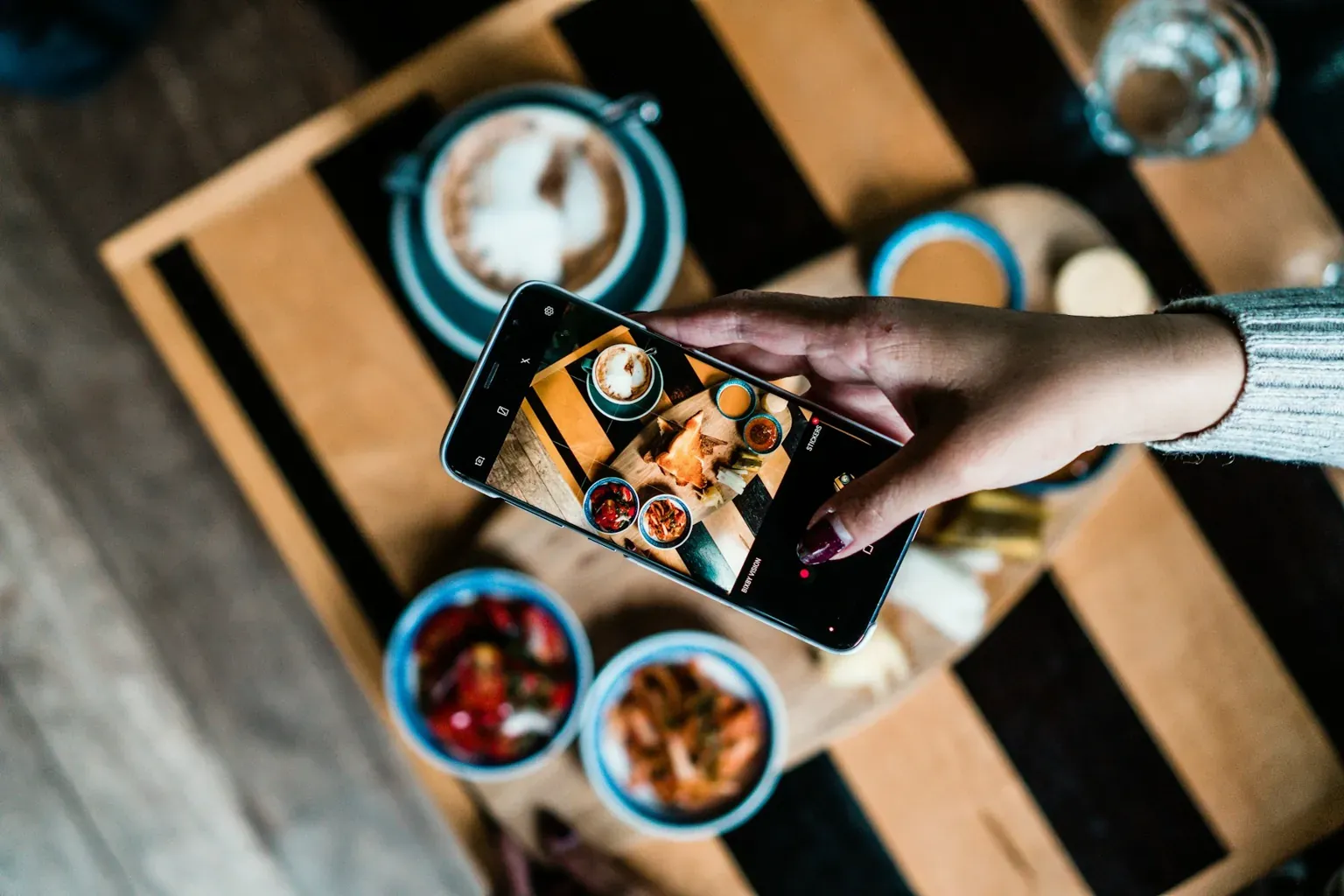
Not very, if you use the photo estimate on its own. In a preliminary NIH test of 102 meals, Cal AI undercounted by 345 kcal on average, and three rivals missed by 252–333 kcal. All four came in about a third low and missed about 30 g of fat. Use it for quick logging and habits, but correct the portions and don't treat the number as exact.
Is Cal AI accurate?
Only roughly. In a preliminary NIH test, Cal AI's photo estimates came in 345 kcal low per meal on average, and rival apps were similar. It's fine for a quick log if you correct portions and treat the number as a low estimate.
Cal AI can work: treat the number as a rough, low estimate.
Check the ingredients, and add oils and sauces yourself.
Be careful: the apps missed fat the most.
Try a free tracker with a barcode scanner, like Cronometer.
They scored similarly, and the same company now owns both.
What's New: The First Controlled Test of Cal AI
An NIH team tested four photo apps on 102 precisely prepared meals. Cal AI undercounted by 345 kcal on average. The results are preliminary and haven't been peer reviewed.
Is Cal AI accurate? Until recently, there was little independent evidence either way. In July 2026, a team from the US National Institutes of Health presented a test of four popular apps at the NUTRITION meeting. Healio and HealthDay both covered the results.
The team prepared 102 meals in a metabolic kitchen, weighing every ingredient, and then compared the apps' photo estimates with the known values. That gives a much firmer reference than most app reviews, where the true calories are unknown.
Read this with care. It was a conference presentation, so it hasn't been through full peer review yet. It tested photo estimates on their own, without users correcting portions. Health Perk didn't run this test or test the apps.
How Accurate Is Cal AI? The 102-Meal Test
All four apps came in low, by about 33% overall. Cal AI's average miss of 345 kcal was the largest, though the four results overlap.
Cal AI had the largest gap, but it isn't clearly worse than Lose It! or MyFitnessPal. Healio's reported margins of error overlap heavily: 296–392 kcal for Cal AI, 282–383 for Lose It! and 269–385 for MyFitnessPal. Only Appediet, at 210–295, stands apart.
The more useful finding is the pattern. The apps didn't miss randomly in both directions. They came in low, on average, by about a third.
- Fat was the main blind spot. All four apps undercounted fat by about 30 g per meal. Oils, butter and dressings are hard to see in a photo.
- Carbs did better. HealthDay reports the apps estimated carbohydrates better than fat or protein, though Cal AI and Lose It! still came in about 14 g low.
- High-fat, low-carb meals did worse. A follow-up analysis of more than 200 meals suggests the apps are less accurate on these.
- Meal size mattered for some. Lose It! and MyFitnessPal were closer on higher-energy meals than lower-energy ones.
What This Means for Your Log
Treat a photo estimate as a low starting point. As a rough guide from this test, a meal logged at 500 kcal may really be closer to 750.
A team member's advice is simple: without adjusting portions, take the results "with a grain of salt." This decoder shows what the test's average would mean for one meal.
This is the test's average applied to one number, not a measurement of your meal. Your own meal could be closer or further off.
This is the test's average applied to one number, not a measurement of your meal. Your own meal could be closer or further off.
This is the test's average applied to one number, not a measurement of your meal. Your own meal could be closer or further off.
It doesn't make the app useless. If your goal is to build a logging habit or notice patterns, a quick, consistent log can still help, and our guide to whether calorie counting apps work covers that wider question. It does mean you shouldn't read the number as exact.
Photo vs Barcode vs Manual Logging
Photos are the fastest. Barcodes and weighed entries take longer but rely on less guesswork.
The NIH test only covered photo estimates, so it can't rank these methods. This table compares how each one works.
| Method | Where the number comes from | Works best for | Main weakness |
|---|---|---|---|
| Photo | An AI estimate of food and portion | Quick logs, simple plates | Can't see hidden fat or ingredients |
| Barcode | A database entry for that product | Packaged foods | You still have to log your portion, and entries can be wrong |
| Manual, weighed | Your weight and a database entry | Home cooking | Slowest to do |
The researchers suggest that combining AI photos with traditional tracking could improve real-world accuracy. In practice, that means using the photo as a first draft and correcting it.
If you want a different app, Cronometer's free plan includes a barcode scanner, and its photo logging is part of the paid Gold plan. Our guides to the best apps for weight loss and the best health apps cover more options.
Is Cal AI Free, and Who Owns It?
Cal AI is a paid app, and prices vary by user and region, so check the App Store before you start a trial. MyFitnessPal bought it in 2026.
Cal AI doesn't publish a single price list. Third-party guides report figures from about $29.99 to $99.99 a year, and say the price can differ between users. Most describe a short free trial that converts to a paid plan, so check the exact price and cancellation date on the screen before you confirm.
TechCrunch reported in March 2026 that MyFitnessPal had acquired Cal AI, and that the app would keep running as a separate product. So "Cal AI vs MyFitnessPal" is now a choice between two products from one company. Both undercounted by similar amounts in this test.
Does Cal AI Sync With Apple Health, and What Happens to Your Photos?
Yes, Cal AI can connect to Apple Health on iPhone and Google Fit on Android. Its privacy policy covers foods logged by photo, but doesn't say exactly how long photos are kept or whether they train its AI.
Sync. Cal AI's own FAQ tells iPhone users to connect with Apple Health, and Android users to connect Google Fit in the app's settings. It notes that synced data can take a few minutes to appear. That lets steps and workouts from your phone or watch show up next to your food log.
Photos and privacy. Cal AI's privacy policy, effective May 21, 2026, lists food and drinks you submit by voice or image logging as data it collects, and says this can be sensitive if it reveals a health condition. It says it may use personal information to improve its services, naming machine learning and AI among the technologies. It doesn't say how long food photos are kept or whether they train its models. You can ask the company to delete your personal information.
The App Store privacy label lists identifiers and usage data as data that may be used to track you. If that matters to you, read the policy before you sign up, and skip photos of anything you'd rather not share, such as documents or faces in the background.
Cal AI vs SnapCalorie and MacroFactor: Which Is More Accurate?
No independent test we found compares them. The NIH study tested Cal AI, Lose It!, MyFitnessPal and Appediet, not SnapCalorie or MacroFactor.
People often ask whether SnapCalorie or MacroFactor is more accurate than Cal AI. Neither was in the NIH test, and we found no independent study comparing them, so any claim that one beats Cal AI on accuracy rests on the companies' own figures or individual reviews.
What we can compare is how they work. MacroFactor's help pages describe a Photo & Text option, where you add a short description to a meal photo, and every AI result opens as editable entries before you log it. That fits the NIH team's advice to combine photos with traditional tracking. MacroFactor has no free version: its site lists $11.99 a month or $71.99 a year after a 7-day trial.
Whichever app you use, the test results suggest the same habit: treat the photo estimate as a draft, and correct the portion and the fats yourself. For a wider view of trackers, see our guide to apps that help with weight loss.
Is Cal AI Worth It for You?
You want the fastest possible log.
Cal AI can suit you, if you treat the number as a rough, low estimate. Consistency may matter more to you than precision.
You eat a lot of mixed dishes.
Expect more guesswork. Check the ingredients the app lists, and add oils and sauces it can't see.
You eat a lot of high-fat, low-carb meals.
Be more careful. The follow-up analysis suggests the apps are less accurate on these meals, likely because they miss fat.
You don't want to pay.
Look at a free tracker with a barcode scanner, such as Cronometer's Basic plan, and log manually where you can.
You're comparing it with MyFitnessPal.
Don't choose on photo accuracy alone. Their results were close in this test, and the same company now owns both.
How to Get a Better Photo Log
Check the portion the app assumed.
Portion size is a big part of the estimate, and it's easy to correct.
Add what the camera can't see.
Cooking oil, butter, dressing and sauces are the likely gaps, given how much fat the apps missed.
Use a barcode for packaged food.
It's a better starting point than a photo of the box.
Weigh foods you eat often.
Do it once or twice, then save the entry so you can reuse it.
Follow your trend, not one meal.
A consistent log is more useful for spotting patterns than any single number.
True or Not? 4 Myths About AI Calorie Apps
AI photo logging is as accurate as weighing your food.
True or not? Tap to find outHere's what the sources say
Not on this evidence. In the NIH test, photo estimates came in about a third below meals with weighed ingredients. The results are preliminary.
Cal AI is much worse than other apps.
True or not? Tap to find outHere's what the sources say
Not clearly. Its 345 kcal gap was the largest, but the margins of error overlap with Lose It! and MyFitnessPal. Only Appediet stood apart.
The errors cancel out over a day.
True or not? Tap to find outHere's what the sources say
Not if they run in one direction. The apps came in low on average rather than scattering evenly around the true number.
A photo can see everything on your plate.
True or not? Tap to find outHere's what the sources say
Not true. Oil, butter and dressings are hard to see, and all four apps undercounted fat by about 30 g per meal.
What This Data Can't Tell You
This test measured how well app estimates matched prepared meals. It didn't test how people use the apps day to day, or any health outcome. App numbers are estimates, and a single test can't tell you how accurate your own log is. If you're making decisions about your diet because of a health condition, or food tracking is causing you stress, talk to a clinician or registered dietitian.