Best Apps to Improve Focus and Productivity: A 2026 Tested Guide
Best Apps to Improve Focus and Productivity: A 2026 Tested Guide
By the HealthPerk Editorial Team · Last updated: May 2026
Quick Answer
What are the best apps to improve focus and productivity in 2026?
The honest 2026 answer is that no single app produces focus; the right app removes a specific friction that you can name. The five categories that consistently survive blind comparisons are: distraction blockers (Freedom, Cold Turkey Blocker, AppBlock, Opal), pomodoro timers (Forest, Focus To-Do, Session, Bear Focus Timer), deep work environments (Centered, Roam Research, Obsidian, Notion Calendar), notification managers (One Sec, Daywise, iOS Focus Modes, Android Modes), and time auditors (RescueTime, Toggl Track, Rize). Picking one strong app from two or three categories outperforms stacking ten apps of the same category. The fastest wins are usually a hard distraction blocker plus a single visible timer, not a productivity-system overhaul.
| Use case | Recommended app type | 2026 examples |
|---|---|---|
| Compulsive phone use | Hard blockers with lockouts | Opal, One Sec, AppBlock |
| Web browser drift | Site-level blockers | Freedom, Cold Turkey Blocker |
| Single-session focus | Pomodoro timers | Forest, Session, Focus To-Do |
| Long deep-work blocks | Calendar + ambient environments | Centered, Notion Calendar, Endel |
| Understanding where time goes | Passive trackers | RescueTime, Rize, Toggl Track |
Best apps to improve focus and productivity is one of the most-searched phrases in the cognition space in 2026, and most of the search results are app-store roundups that compare features rather than outcomes. This guide is structured differently: it groups the best apps to improve focus by the specific friction they remove, not by their marketing category. The aim is to help a reader pick the two or three apps that match their actual problem - phone compulsion, browser drift, fragmented sessions, unmeasured time - rather than installing fifteen tools that overlap.
All recommendations reflect app availability, pricing, and feature sets as of May 2026, cross-checked against the most recent App Store, Google Play, and developer release notes. Where an app has changed substantially since 2024 (acquired, rebuilt, deprecated), that is flagged. The category framing draws on Cal Newport's Deep Work and the behavioral-economics literature on attention costs of interruption, both of which point toward the same conclusion: the marginal value of removing distractions is consistently larger than the marginal value of adding new productivity systems.
Table of Contents
- How to Focus Without Distractions: A 2026 Practical Framework
- Apps to Reduce Distractions: What Works in 2026
- Apps for Deep Work: Tools That Protect Long Sessions
- Focus Timer Apps and the Pomodoro Method in 2026
- Apps to Improve Concentration: Daily Drivers
- Productivity Apps for Work Focus
- Apps to Block Distractions: Hard Cutoffs vs Soft Nudges
- How to Focus Better at Work
- Productivity Tips for Focus Beyond the App Store
- Frequently Asked Questions
- References
How to Focus Without Distractions: A 2026 Practical Framework
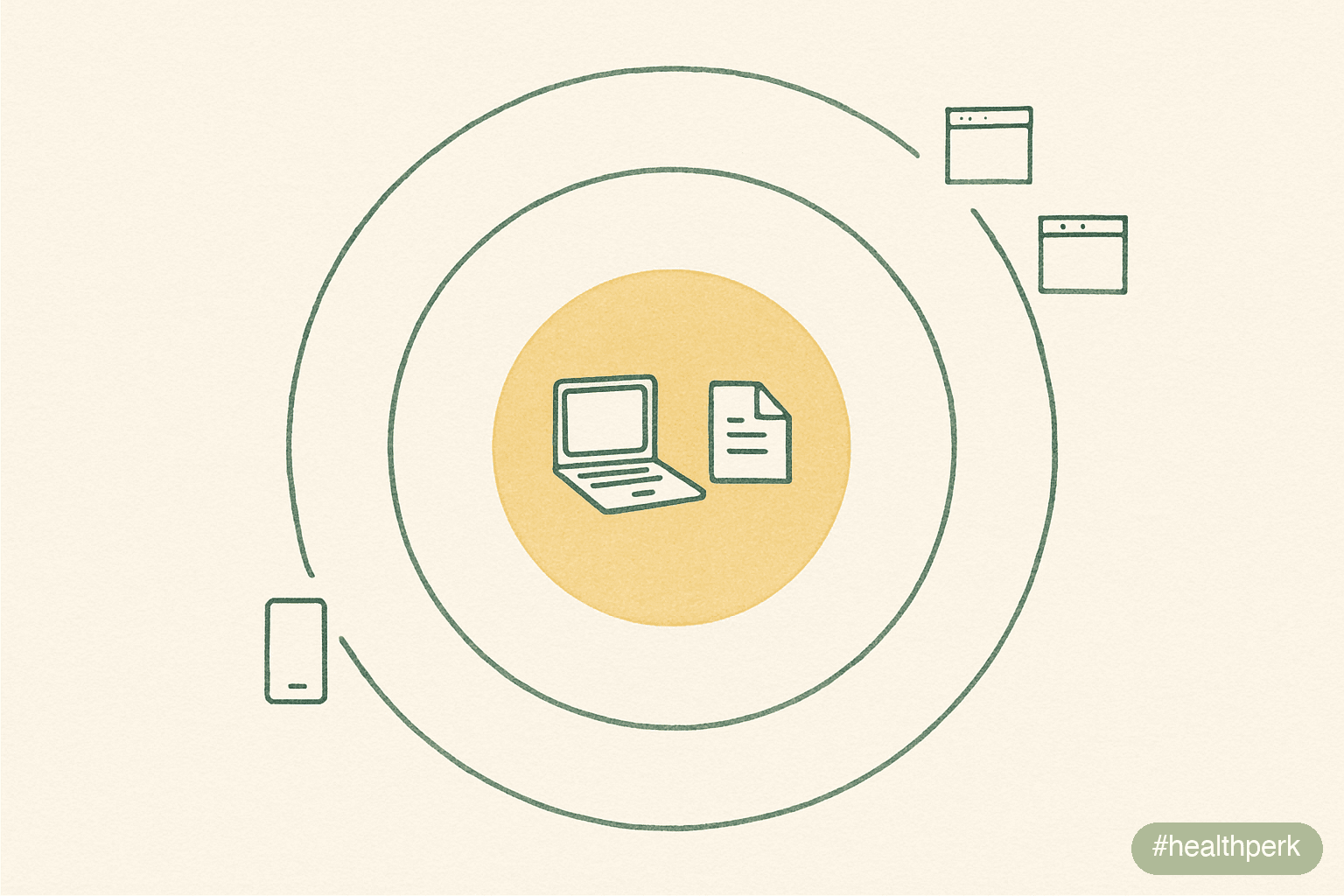
How to focus without distractions is rarely solved by adding willpower or "trying harder." A 2015 Journal of Experimental Psychology: Human Perception and Performance study by Stothart and colleagues, supported by subsequent replications, found that the attentional cost of merely receiving a cell phone notification rivals the cost of actively using the phone, and related work shows that smartphone presence alone measurably reduces working-memory performance. Distractions are not events to resist; they are conditions to engineer out of the environment before the session begins.
A practical 2026 framework for removing distractions has three layers:
- Environmental layer (highest leverage). Put the phone in a different room or in a timed lockbox. Close all non-essential browser tabs before starting. Use a separate browser profile, user account, or device for focused work. Almost no app substitutes for this layer.
- Software layer (high leverage). Site and app blockers create friction or hard cutoffs at the OS level. The best blockers are the ones you cannot easily disable mid-session.
- Cognitive layer (medium leverage). Single-tasking, pomodoro structure, and a written intention for the session ("By 10:30 I will have a complete first draft of section 2") reduce the internal pull toward distraction.
Why "willpower apps" usually underperform
Apps that rely on the user choosing not to bypass them have a fundamental design flaw: the decision to bypass is made during a moment of attentional weakness, exactly when the user has the least capacity to resist. Apps with a lockout (Opal Deep Focus mode, Freedom locked schedules, Cold Turkey Blocker frozen mode) are structurally more effective than those that simply nag.
A minimum viable setup
For most people, two apps and one environmental change cover 80% of the gap: a hard blocker (Freedom or Cold Turkey for desktop, One Sec or Opal for phone) plus one visible pomodoro timer (Forest, Session, or Focus To-Do), with the phone physically out of arm's reach. Stacking more apps on top of this produces diminishing returns and often becomes its own form of procrastination.
Apps to Reduce Distractions: What Works in 2026
Apps to reduce distractions in 2026 fall into two functional groups: friction injectors and time auditors. Friction injectors put a small delay or breath between the impulse and the dopamine hit. Time auditors make hidden distraction visible by counting the seconds you actually spend on each app.
Friction injectors (highest evidence base in 2026)
- One Sec (iOS and Android). Forces a deep-breath delay before opening selected apps. Research on similar friction-based interventions indicates that a brief mandatory pause reduces target-app open events by a meaningful margin in habitual users.
- Opal (iOS, Android). Combines blocking with friction. Strong Deep Focus mode prevents bypass mid-session.
- Daywise (Android). Batches notifications into scheduled windows rather than delivering them as they arrive, removing the interruption cost rather than the notification itself.
Time auditors
- RescueTime (desktop and mobile). Passive tracking by category. Most useful as a once-weekly report rather than a real-time dashboard.
- Rize (desktop, macOS and Windows). Real-time category tracking with a focus-mode timer. Highly granular; better for individuals than teams.
- Toggl Track (cross-platform). Manual time tracking. Useful for billing and self-audit; less useful as a passive distraction-reduction tool.
What to skip
"All-in-one" focus suites that bundle a blocker, timer, habit tracker, journal, and mood log into one app tend to do each job worse than the best dedicated app for that job. Choose narrow tools and let them be excellent at one thing.
Honest limitation
Distraction-reduction apps cannot fix a job that is structurally interruption-driven (incident response, shift retail, parenting). For those contexts, blocking apps will simply be turned off and the answer is structural (protected calendar blocks, a colleague covering interruptions) rather than software.
Apps for Deep Work: Tools That Protect Long Sessions
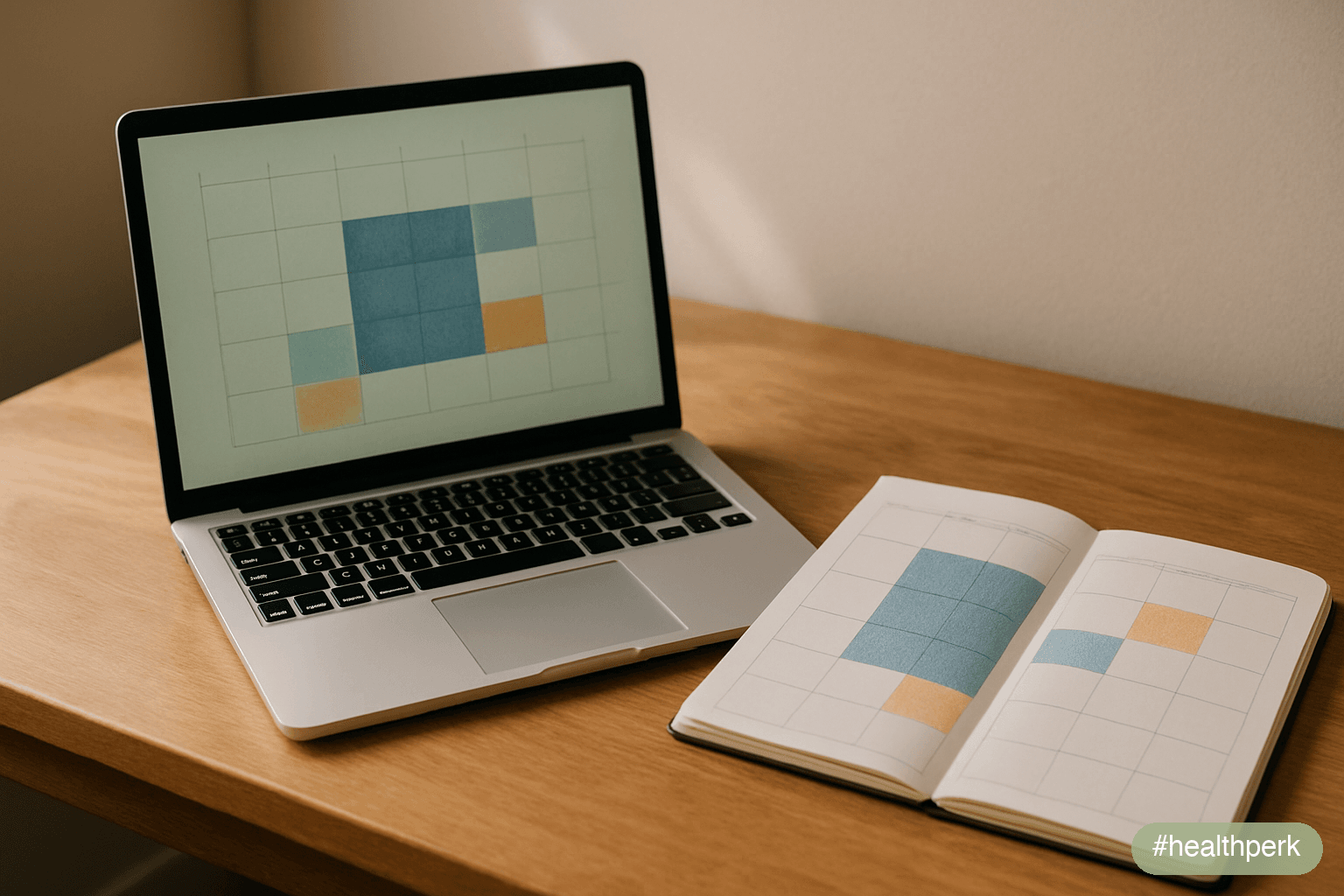
Apps for deep work in the 2026 landscape are not really productivity apps; they are environment shapers. The defining trait of a deep-work app is that it makes the work feel like the default state of the device rather than one tab among forty. The best in 2026 fall into three subgroups.
Calendar-first deep work apps
- Centered. Single-window flow mode that hides everything except the active task. Coaches and ambient soundscapes are optional and arguably less important than the lockout.
- Notion Calendar (formerly Cron, fully integrated into Notion in late 2024). Strong at protecting deep-work blocks on shared calendars, with integration into task databases.
- Reclaim.ai. Automatically defends deep-work time on a Google or Microsoft calendar, moving meetings to protect blocks. Reasonable AI-assisted scheduling with conservative defaults.
Single-environment writing/thinking apps
- Obsidian. Local Markdown notes with a powerful graph. The friction of switching to it is low; the friction of switching out of it is high - both desirable for deep work.
- Roam Research. Outline-style networked thought. Heavier than Obsidian; pays off for users whose work is genuinely graph-structured.
- iA Writer / Ulysses. Minimalist writing environments. The lack of features is the feature.
Ambient soundscapes (supporting role)
- Endel. Personalized soundscapes responsive to time of day and (optionally) heart rate. Independent evaluations of generative-soundscape apps are limited and mixed, with self-reported focus benefits more consistent than measured task-performance gains.
- Brain.fm. Functional music with internal claims of measurable attention enhancement. Independent replication is partial; the music is well-designed regardless.
- Lo-fi background channels. Free, effective for many users, no app required.
How to choose
If the bottleneck is meetings eating your day, start with Reclaim.ai or Notion Calendar. If the bottleneck is a fragmented writing environment, start with Obsidian or iA Writer. If the bottleneck is the absence of a felt "deep work mode" on the device, start with Centered. Adding all three at once is usually counterproductive.
Focus Timer Apps and the Pomodoro Method in 2026
Focus timer apps pomodoro searches usually arrive at the same five or six options. The pomodoro technique (25 minutes work, 5 minutes break, longer break after 4 cycles) was developed by Francesco Cirillo in the late 1980s; the structure has held up because it does two useful things: it makes time visible, and it makes the next break a near-future event that the brain can wait for.
The 2026 shortlist for pomodoro timers
- Forest (iOS, Android, browser extension). Grow a virtual tree during the session; leave the app and the tree dies. Gamification with mild loss aversion. Pleasant, low-friction, and has a "real trees planted" tie-in that some users find motivating.
- Focus To-Do (cross-platform). Pomodoro plus full task list and statistics. Best for users who want their timer to also track what they got done.
- Session (macOS, iOS). Minimal, beautifully designed, integrates with calendars and HealthKit. Reflects the 2024-2026 trend toward "session as a deliberate unit of work" rather than infinite to-do lists.
- Bear Focus Timer (iOS). Simple, free, and unusually well-designed for the price. A good starter option.
- Pomofocus.io (browser). Free, no install, runs in any tab. Surprisingly hard to beat.
Common pomodoro mistakes that apps cannot fix
- Treating the timer as a guilt machine. The timer is an experiment in pacing, not a measure of worth.
- Forcing 25/5 onto tasks that benefit from longer arcs (writing, deep coding, research). Many adults do better at 50/10 or 90/20 (the "ultradian" cycle). Most modern timers allow custom intervals.
- Ignoring the break. The break is part of the protocol, not an interruption to it.
What pomodoro apps do not do
Pomodoro apps do not block distractions, schedule meetings, or measure your output. They make time visible. Pairing a pomodoro timer with a distraction blocker is one of the highest-leverage two-app combinations in this guide.
Apps to Improve Concentration: Daily Drivers
Apps to improve concentration as a category overlaps with focus apps but emphasizes day-to-day cognitive support rather than session protection. In 2026, the apps with the most credible evidence for concentration support are not novel; they are well-built versions of long-standing categories.
Daily-driver concentration apps
- Focus@Will. Curated focus music selected by neuroscience-trained editors. Limited but reasonable evidence for attention-task improvements.
- Headspace and Calm (focus playlists, not full meditation programs). Both have dedicated focus content as of 2026. The meditation programs themselves have separate, stronger evidence for attention training over weeks.
- Healium. Biofeedback-driven focus app pairing breathwork with a calmer attentional state. Evidence is preliminary but promising.
- Elevate / Lumosity / Peak. Brain-training apps. A 2014 consensus statement from the Stanford Center on Longevity and the Berlin Max Planck Institute for Human Development, supported by subsequent trials, found that brain-training apps improve performance on the trained tasks but do not reliably generalize to broader cognition. Treat as a pleasant supplement, not a serious focus intervention.
Apps to improve concentration fast
For acute "I need to focus in the next ten minutes" situations, the apps that work fastest are not the ones marketed for that purpose. The most reliable fast-acting stack is: a hard distraction blocker activated for the next 50 minutes, a single timer counting down, and either silence or a familiar instrumental playlist. Brain-training games marketed as a "warm-up" generally do not produce measurable transfer in the literature.
The concentration apps to be skeptical of
- Apps marketed as "rewiring your brain" with no peer-reviewed efficacy data
- "AI focus coaches" that are essentially chat wrappers around a generic LLM with no integration into your work
- Subscription concentration apps with aggressive in-app upsells and dark patterns - these reliably reduce focus rather than improve it
Productivity Apps for Work Focus
Productivity apps for work focus is the heaviest category in the app stores in 2026, and most of it is noise. The honest framing is that productivity apps amplify whatever system you already have, including a bad one. Choosing them well requires being clear about the bottleneck.
Categories that hold up in 2026
- Task managers: Todoist, Things 3 (macOS/iOS), TickTick, Linear (for product/engineering teams). Pick one and stop. Constant migration between task managers is itself a form of procrastination.
- Calendar tools: Notion Calendar, Reclaim.ai, Motion. Motion's AI auto-scheduling is meaningfully improved in 2026 and now reasonable for many users; it is also subscription-heavy, so try before committing.
- Notes and knowledge: Obsidian (local, free), Notion (cloud, collaborative), Apple Notes (often underrated). The best note app is the one you actually open during a meeting.
- Communication minimizers: Slack scheduled sends, Gmail's send-later feature, and tools like Inbox When Ready that hide the inbox until a scheduled check.
- Email triage: Superhuman (subscription, opinionated), HEY (subscription, opinionated), or simply Gmail with native keyboard shortcuts. The shortcuts matter more than the app.
What to use these for at work
- Defending a daily 90-minute deep-work block on the calendar before meetings can take it
- Capturing every incoming task in one place so the brain can stop tracking
- Cutting Slack/Teams from a default-on to a default-batched channel
What not to use them for
- Inventing a new productivity system every quarter
- Replicating a paper notebook with twelve apps
- Coordinating with a team that has not agreed to use the same tool
The honest "for work" reality
Most knowledge workers underuse the tools they already have. Mastering keyboard shortcuts in Gmail, calendar conflict-checking in Outlook, and a single task manager covers 90% of what productivity apps for work can deliver. The remaining 10% is what the better tools above add.
Apps to Block Distractions: Hard Cutoffs vs Soft Nudges
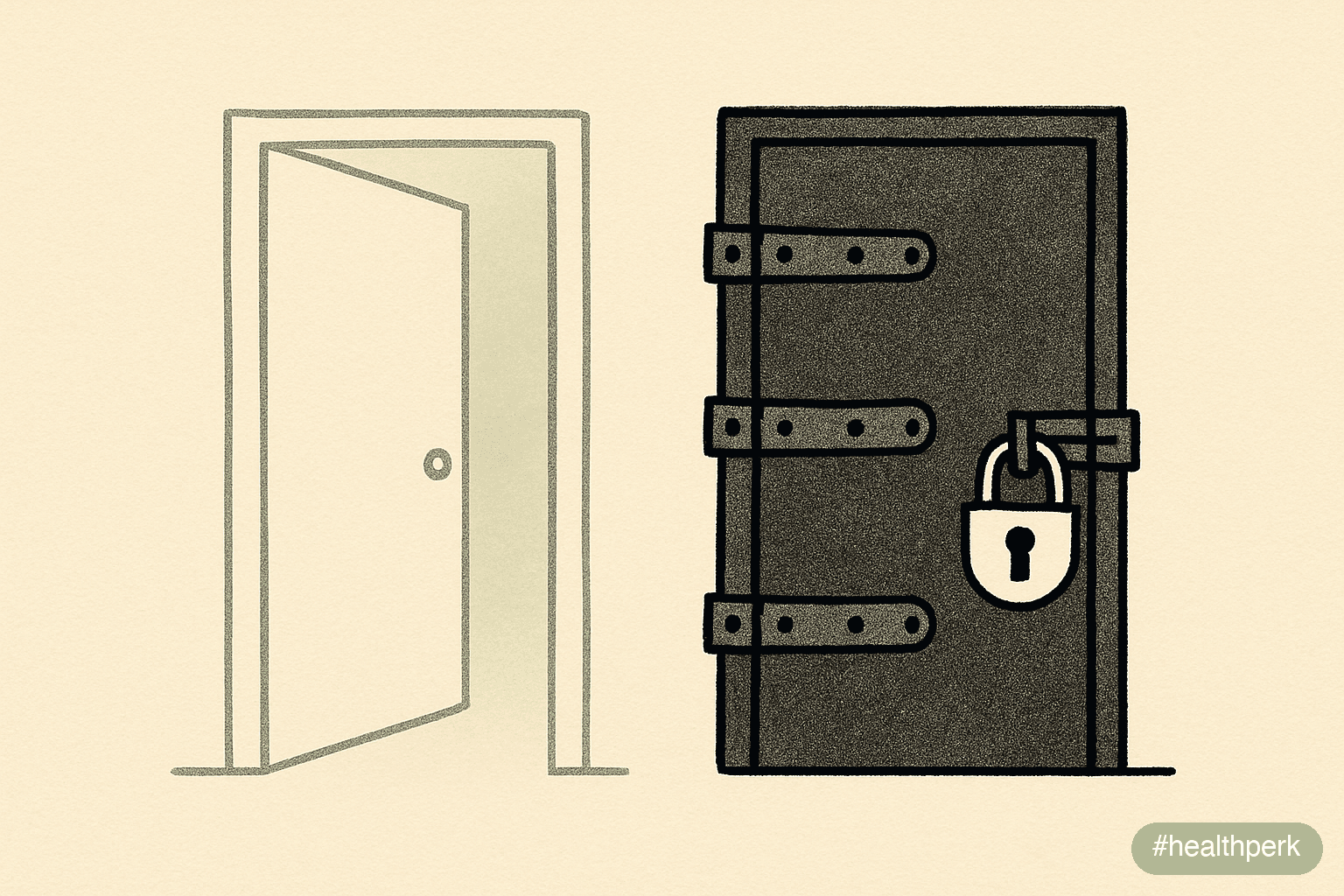
Apps to block distractions divide cleanly into hard cutoffs (you literally cannot use the blocked thing during the session) and soft nudges (you can, but the app makes you pause or feel guilty). Both have a place, but for habitual users the hard cutoff is consistently more effective.
Hard cutoff blockers (desktop)
- Freedom. Cross-device, blocks sites and apps simultaneously across phone, tablet, and computer. Locked schedule mode prevents bypass mid-session.
- Cold Turkey Blocker. Windows and macOS. Frozen Turkey mode is the strongest lockout available - genuinely no escape until the timer ends. For people who routinely bypass blockers, this is the answer.
- SelfControl (macOS, free, open source). Simple, free, irreversible once started. The original of the genre.
Hard cutoff blockers (mobile)
- AppBlock (Android). Strong app and notification blocking; strict mode prevents disabling.
- Opal (iOS). Combines blocking with friction and gamification. Strong Deep Focus mode is the equivalent of Cold Turkey's frozen mode.
- Screen Time (iOS) and Digital Wellbeing (Android). Built into the operating system, free, increasingly capable in 2026. Often sufficient if used with a Screen Time passcode that you do not know.
Soft nudge blockers
- One Sec. A deep-breath delay before opening apps. Useful for compulsive checkers; weaker for full-session blocking.
- Tiimo, Stay Focused (Android). Soft pomodoro-style nudges and gentle limits.
When soft nudges are enough
For people whose primary problem is impulse checking - not extended scrolling - a friction layer like One Sec is often sufficient. For people who lose entire afternoons to social media or browsing, hard cutoffs are the only intervention that consistently works.
When hard cutoffs go wrong
Hard cutoffs can be problematic if they block apps you genuinely need (banking 2FA, work email during off-hours emergencies). The remedy is precise rules - block specific sites, not entire app categories - and a small allowlist for true emergencies. Never lock yourself out of essential tools.
How to Focus Better at Work
How to focus better at work is a question about an environment you only partly control. App choice helps, but most of the leverage at work is structural: which meetings exist, which channels are default-on, and which times of day you protect.
A high-leverage 2026 protocol
- Defend a single 90-minute deep-work block per day on the calendar before meetings can claim it. Treat it as a meeting with yourself.
- Batch communication. Check Slack and email at three or four scheduled times rather than continuously. Tools like Inbox When Ready or Daywise help; the discipline matters more than the tool.
- Use a focus mode on the OS during deep work. iOS Focus modes and Android Modes (or the macOS/Windows equivalents) silence everything except a small allowlist of contacts.
- Co-locate similar tasks. A 30-minute block for ten small tasks (replies, approvals, expense reports) costs less than ten interruptions across the day.
- Make the start of the session frictionless. Open the document, queue the music, and start the timer the night before, so the morning begins with momentum rather than setup.
What productivity apps for work cannot fix
If a job structurally requires constant interruption, no app produces deep work. The honest answer is to negotiate protected hours, restructure the role, or accept that this job is not a deep-work job. Pretending otherwise generates burnout.
What to do about meetings
Track meetings for one week as you would track expenses. Most knowledge workers find that 30-40% of meetings can be replaced with an asynchronous message or a 5-minute hallway conversation. Cancelling those is the single largest "productivity app for work focus" available, and it does not require installing anything.
Productivity Tips for Focus Beyond the App Store
Productivity tips for focus that survive long-term use are usually unglamorous and rarely require an app. The most reliable, evidence-supported tips for sustained focus in 2026 are:
- Sleep is the foundation. A 2010 Psychological Bulletin meta-analysis (Lim & Dinges) demonstrated that short-term sleep loss degrades attention and working memory more than any supplement can compensate for. Seven to nine hours, consistent timing.
- Daylight in the first hour. Five to ten minutes of outdoor daylight phase-anchors the circadian rhythm and meaningfully improves daytime alertness.
- Single-task for 50-90 minutes at a time. Context switching is the largest acute focus cost in knowledge work, with attentional residue lasting minutes after each switch (Leroy, 2009, Organizational Behavior and Human Decision Processes).
- Reduce caffeine, not just increase it. Most heavy coffee drinkers (4+ cups per day) report better focus after reducing to 1-2 cups. Caffeine's tolerance dynamics mean more is often less.
- Move briefly between sessions. A 5-10 minute walk between focus blocks improves subsequent attention via arousal and cerebral blood flow effects.
- Hydrate. Mild dehydration (1-2% body water loss) measurably degrades sustained attention.
- Track the obvious for one week. Time tracked for one week reveals more about focus problems than any productivity-system overhaul.
How apps fit in this picture
Apps are most useful as scaffolding for habits that are difficult to build with willpower alone: blocking specific sites, structuring 25/50 minute sessions, batching notifications. They are least useful when they substitute for the underlying behavioral changes - sleep, single-tasking, reasonable caffeine use - that the apps cannot replace.
A reasonable end state
A user with sustainable focus in 2026 typically uses two to three apps consistently: one blocker, one timer, and one calendar or notes tool. Behavioral habits do the rest. The opposite pattern - fifteen apps, constant migration, infinite system tweaking - is itself a sophisticated form of distraction.
Related Articles on HealthPerk
Explore more on this topic:
- How to Improve Focus Naturally
- How to Increase Concentration Fast
- Brain Fog Causes and Solutions
- Best Supplements for Focus and Concentration
- Best Nootropics for Beginners
- L-Theanine vs Caffeine for Focus
Frequently Asked Questions
What are the best apps to improve focus and productivity in 2026?
The most consistent picks across blind comparisons in 2026 are: Freedom or Cold Turkey Blocker for desktop distraction blocking; Opal or One Sec for phone friction; Forest, Session, or Focus To-Do for pomodoro timing; Centered, Obsidian, or Notion Calendar for deep-work environments; and RescueTime or Rize for time auditing. Most users do better with two or three apps drawn from different categories than with ten apps that overlap. The fastest improvement usually comes from a hard blocker plus a single visible timer.
How to focus without distractions when working from home?
Engineer the environment first: phone in another room or in a timed lockbox, a separate browser profile or user account for focused work, and a hard distraction blocker (Freedom, Cold Turkey, or SelfControl) with a locked schedule. Then add a single visible pomodoro timer for the session structure. Software cannot fully replace environmental changes; the highest-leverage move is making distractions physically inconvenient before the session begins.
Which apps to reduce distractions actually work in practice?
Friction injectors like One Sec, Opal, and AppBlock reliably reduce target-app opens by adding a 10-second pause or hard cutoff. Time auditors like RescueTime and Rize make hidden distractions visible. Notification batchers like Daywise and the built-in iOS Focus and Android Modes reduce interruption cost. Apps that rely on the user choosing not to bypass them are structurally weaker than apps with a real lockout, because the decision to bypass happens during the moment of attentional weakness.
What are the best apps for deep work in 2026?
For schedule defense, Notion Calendar and Reclaim.ai are reliable in 2026. For single-environment deep work, Centered, Obsidian, Roam Research, iA Writer, and Ulysses each have credible use cases. For ambient soundscapes, Endel and Brain.fm have small but real evidence of attention benefit; lo-fi instrumental tracks work for many users at no cost. Choose by bottleneck rather than category - the wrong deep-work tool is the one that does not match the specific friction you actually face.
Which focus timer apps pomodoro setups are best for sustained use?
Forest, Session, Focus To-Do, Bear Focus Timer, and the free browser-based Pomofocus.io are the most reliable options in 2026. Forest's gamification with mild loss aversion suits users who respond to small stakes; Session suits users who want pomodoros tied into their calendar; Focus To-Do suits users who want timer plus task list. Customizable interval lengths matter - many adults do better at 50/10 or 90/20 than the original 25/5 - so pick an app that allows custom intervals.
What are the best apps to improve concentration for daily use?
Daily-driver apps for concentration include Focus@Will and curated focus playlists in Headspace or Calm. Brain-training apps like Elevate, Lumosity, and Peak improve performance on the trained tasks but do not reliably generalize to broader cognition (Stanford Center on Longevity consensus, 2014, supported by subsequent trials). The most reliable concentration intervention is not an app - it is sleep consistency, daylight exposure, and single-tasking sessions of 50-90 minutes.
Which productivity apps for work focus are worth paying for?
Subscriptions worth paying for in 2026 are usually the calendar-defender category (Reclaim.ai, Motion) or strong cross-device blockers (Freedom). Task managers like Todoist, Things 3, and Linear are worth paying for once - then stop migrating. Constant switching between productivity apps is itself a form of procrastination. The free, built-in OS focus modes (iOS Focus, Android Modes) cover much of the ground that paid apps charge for.
How can I use apps to block distractions without locking myself out of essentials?
Use precise rules rather than broad categories: block specific websites and apps, not entire categories like "social" that might include necessary tools. Maintain a small allowlist for emergencies (banking 2FA, family contacts, work emergency channels). On iOS and Android, the OS focus modes let through a designated allowlist while silencing everything else. For desktop, Cold Turkey Blocker and Freedom both let you build allowlists for genuinely essential domains.
How to focus better at work without micromanaging the day?
Defend one 90-minute deep-work block per day on your calendar before meetings can take it. Batch Slack and email to three or four scheduled checks. Use OS-level focus modes during deep work. Audit your meetings for one week and replace 30-40% with asynchronous messages or short conversations. These four changes typically outperform any productivity app stack and require nothing new beyond the calendar and OS you already use.
What apps to improve concentration fast in a single session?
For acute, same-session focus, the fastest-acting combination is a hard distraction blocker (Freedom or Cold Turkey with a 50-minute lockout) plus a single visible timer (Forest, Session, or Pomofocus.io) plus the phone physically out of arm's reach. Brain-training apps marketed as a focus warm-up generally do not produce measurable transfer to the actual task. Acute focus is improved more by removing distraction than by adding any new app.
What productivity tips for focus matter more than the apps themselves?
Seven to nine hours of consistent sleep, five to ten minutes of morning daylight, single-tasking in 50-90 minute blocks, reasonable caffeine use (often less, not more), brief movement between sessions, hydration, and a one-week time audit of where attention actually goes. Apps are scaffolding for these habits, not substitutes. A user with strong sleep and single-tasking habits will outperform a user with fifteen productivity apps and inconsistent sleep, every time.
This article is for informational purposes only and does not constitute medical, mental health, or productivity advice for any specific individual. Compulsive phone or technology use that significantly interferes with daily functioning, relationships, sleep, or mental health may warrant evaluation by a qualified clinician. App availability, features, pricing, and platform support change frequently; verify current details on the developer's site before subscribing. Some apps mentioned require subscriptions or paid tiers for full functionality. Individual results vary.
About the author The HealthPerk Editorial Team reviews cognitive health and behavioral health research through evidence synthesis cross-referenced with peer-reviewed clinical trials, Cochrane reviews, and clinical practice guidelines. Our productivity and digital wellbeing content is reviewed for behavioral and clinical accuracy against current psychology, occupational health, and human-computer interaction standards. How we review →
References
Stothart, C., Mitchum, A., & Yehnert, C. (2015). The attentional cost of receiving a cell phone notification. Journal of Experimental Psychology: Human Perception and Performance, 41(4), 893-897. https://doi.org/10.1037/xhp0000100
Supports: smartphone notifications and mere presence of a smartphone measurably reduce attention and working-memory performance
Ward, A. F., Duke, K., Gneezy, A., & Bos, M. W. (2017). Brain drain: The mere presence of one's own smartphone reduces available cognitive capacity. Journal of the Association for Consumer Research, 2(2), 140-154. https://doi.org/10.1086/691462
Supports: the mere presence of a smartphone in the visual field reduces available cognitive capacity even when off
Mark, G., Iqbal, S. T., Czerwinski, M., Johns, P., & Sano, A. (2016). Neurotics can't focus: An in situ study of online multitasking in the workplace. In Proceedings of the 2016 CHI Conference on Human Factors in Computing Systems, 1739-1744. https://doi.org/10.1145/2858036.2858202
Supports: workplace multitasking and interruption frequency significantly degrade focused work and increase stress
Leroy, S. (2009). Why is it so hard to do my work? The challenge of attention residue when switching between work tasks. Organizational Behavior and Human Decision Processes, 109(2), 168-181. https://doi.org/10.1016/j.obhdp.2009.04.002
Supports: attention residue persists after task switching and reduces performance on the subsequent task
Newport, C. (2016). Deep Work: Rules for Focused Success in a Distracted World. Grand Central Publishing. ISBN 978-1455586691.
Supports: the framework that protecting time for deep, undistracted work produces disproportionate cognitive output relative to fragmented work
Simons, D. J., Boot, W. R., Charness, N., Gathercole, S. E., Chabris, C. F., Hambrick, D. Z., & Stine-Morrow, E. A. L. (2016). Do "brain-training" programs work? Psychological Science in the Public Interest, 17(3), 103-186. https://doi.org/10.1177/1529100616661983
Supports: brain-training apps improve performance on trained tasks but do not reliably generalize to broader cognition or real-world focus
Cirillo, F. (2018). The Pomodoro Technique: The Acclaimed Time-Management System That Has Transformed How We Work. Currency. ISBN 978-1524760700.
Supports: the structure of 25-minute focused work intervals followed by short breaks as a time-management protocol with broad practical adoption
Lim, J., & Dinges, D. F. (2010). A meta-analysis of the impact of short-term sleep deprivation on cognitive variables. Psychological Bulletin, 136(3), 375-389. https://doi.org/10.1037/a0018883
Supports: short-term sleep deprivation degrades attention and working memory more than supplement or app interventions can compensate for
Adamczyk, P. D., & Bailey, B. P. (2004). If not now, when? The effects of interruption at different moments within task execution. In Proceedings of the SIGCHI Conference on Human Factors in Computing Systems, 271-278. https://doi.org/10.1145/985692.985727
Supports: interruptions at coarse task boundaries cost less attention than interruptions during execution, motivating batched notifications
Monsell, S. (2003). Task switching. Trends in Cognitive Sciences, 7(3), 134-140. https://doi.org/10.1016/S1364-6613(03)00028-7
Supports: task switching incurs a measurable cognitive cost and reduces accuracy on the subsequent task, supporting single-tasking for sustained focus
Frequently Asked Questions
What are the best apps to improve focus and productivity in 2026?
The most consistent 2026 picks are Freedom or Cold Turkey Blocker for desktop blocking, Opal or One Sec for phone friction, Forest, Session, or Focus To-Do for pomodoro timing, Centered, Obsidian, or Notion Calendar for deep-work environments, and RescueTime or Rize for time auditing. Two or three apps drawn from different categories outperform ten overlapping apps.
How to focus without distractions when working from home?
Engineer the environment first: phone in another room or a timed lockbox, a separate browser profile for focused work, and a hard distraction blocker with a locked schedule. Then add a visible pomodoro timer. Software cannot fully replace environmental changes; the highest-leverage move is making distractions physically inconvenient before the session begins.
Which apps to reduce distractions actually work in practice?
Friction injectors like One Sec, Opal, and AppBlock reduce target-app opens by adding a pause or cutoff. Time auditors like RescueTime and Rize make hidden distractions visible. Notification batchers like Daywise and iOS Focus modes reduce interruption cost. Apps with real lockouts are structurally more effective than apps that only nag.
What are the best apps for deep work in 2026?
For schedule defense, Notion Calendar and Reclaim.ai. For single-environment work, Centered, Obsidian, Roam Research, iA Writer, and Ulysses. For ambient soundscapes, Endel and Brain.fm have small but real attention benefit; lo-fi tracks work for many users at no cost. Choose by bottleneck rather than category.
Which focus timer apps pomodoro setups are best for sustained use?
Forest, Session, Focus To-Do, Bear Focus Timer, and the free Pomofocus.io are the most reliable 2026 options. Customizable interval lengths matter - many adults do better at 50/10 or 90/20 than the original 25/5. Pick a timer that supports custom intervals.
What are the best apps to improve concentration for daily use?
Focus@Will, Headspace, and Calm have credible focus content. Brain-training apps like Elevate, Lumosity, and Peak improve performance on the trained tasks but do not reliably generalize to broader cognition. The most reliable concentration intervention is not an app - it is sleep consistency, daylight exposure, and single-tasking sessions.
Which productivity apps for work focus are worth paying for?
Calendar defenders like Reclaim.ai and Motion, and strong blockers like Freedom, often justify a subscription. Task managers like Todoist, Things 3, and Linear are worth paying for once - then stop migrating. Constant switching between productivity apps is itself a form of procrastination.
How can I use apps to block distractions without locking myself out of essentials?
Use precise rules - block specific sites and apps rather than broad categories. Maintain a small allowlist for emergencies like banking 2FA and family contacts. iOS and Android focus modes allow a designated allowlist while silencing everything else. Cold Turkey Blocker and Freedom both support allowlists for essential domains.
How to focus better at work without micromanaging the day?
Defend one 90-minute deep-work block per day on the calendar before meetings can take it. Batch Slack and email to three or four scheduled checks. Use OS focus modes during deep work. Audit meetings for one week and replace 30-40% with asynchronous messages. These changes typically outperform any productivity app stack.
What apps to improve concentration fast in a single session?
The fastest-acting combination is a hard distraction blocker like Freedom or Cold Turkey with a 50-minute lockout, a single visible timer, and the phone physically out of arm's reach. Brain-training apps marketed as focus warm-ups generally do not produce measurable transfer to the actual task. Removing distraction works faster than adding any new app.
What productivity tips for focus matter more than the apps themselves?
Seven to nine hours of consistent sleep, five to ten minutes of morning daylight, single-tasking in 50-90 minute blocks, reasonable caffeine use, brief movement between sessions, hydration, and a one-week time audit. Apps are scaffolding for these habits, not substitutes for them.